Why cookie banners keep coming back (and how to make them stop)
You click "Reject all". The next day, the banner's back.
The site isn't ignoring you. It just can't find the answer you already gave.
Why it keeps coming back
Your choice is saved in a cookie. No cookie, no memory, so the site asks again. The usual reasons:
- Chrome clears cookies when you close it. A privacy setting does this, and it wipes your answer too.
- You're in an Incognito window. Everything is forgotten when it closes.
- A cleaner app or privacy extension is deleting cookies.
- The site has a bug. It saves your choice on
www.example.combut you land onexample.com, for example. Banner providers list this as a common setup mistake.
Quick test: try the site in another browser. If the banner comes back there too, it's the site, not you.
How to make it stop
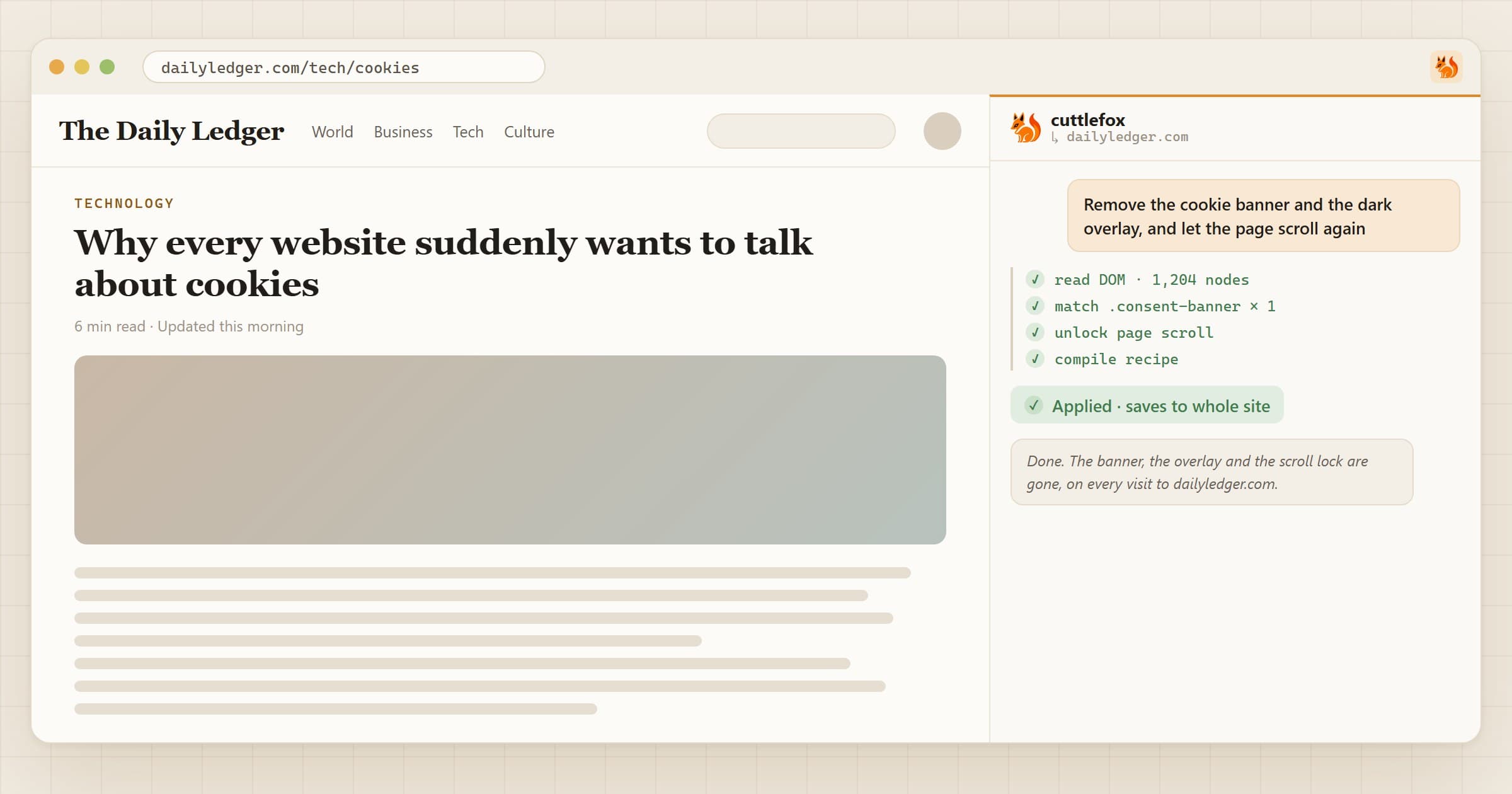
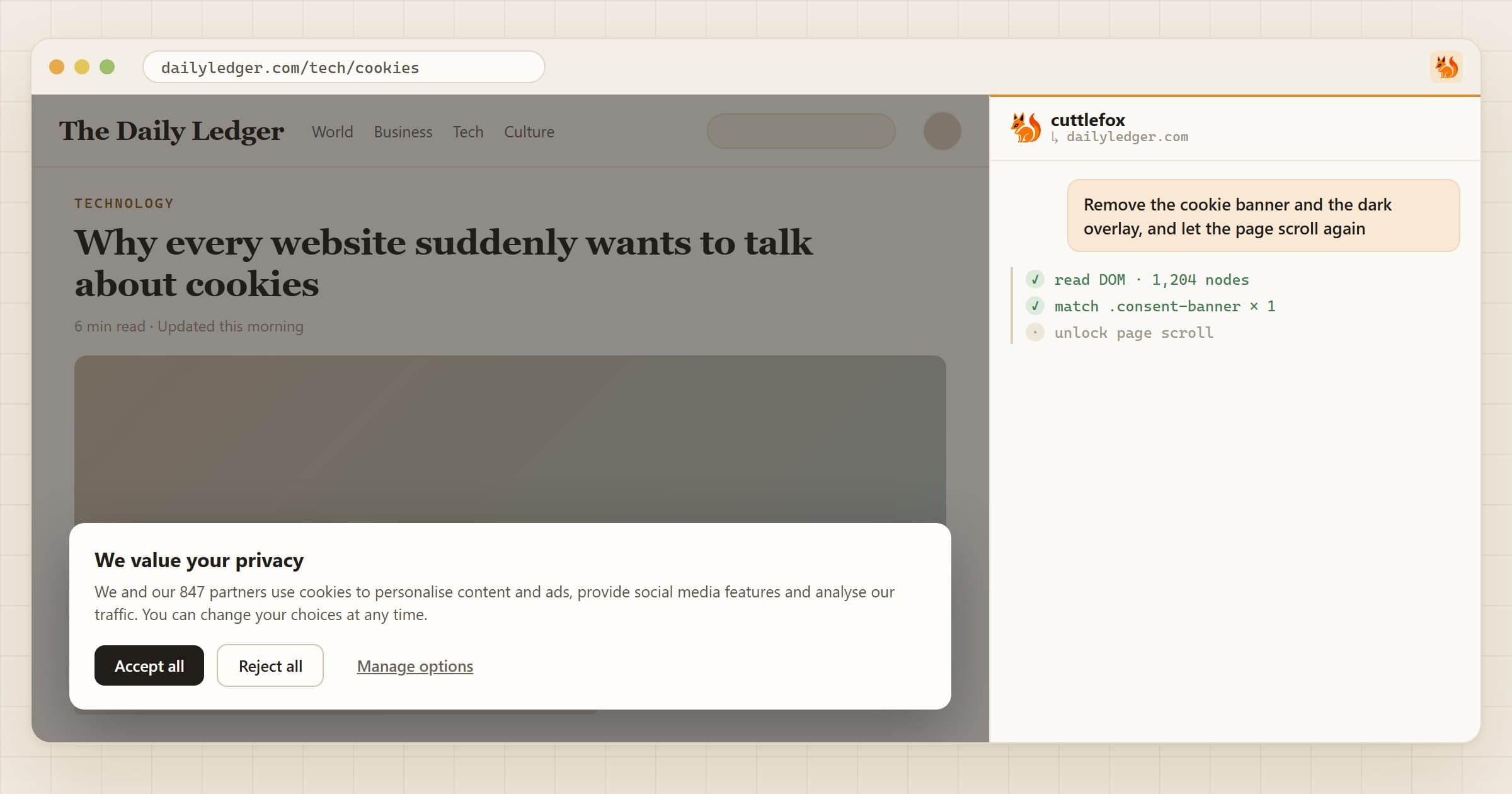
With Cuttlefox, open the panel on the stubborn site and type:
Remove the cookie banner and the dark overlay, and let the page scroll again.
The scroll part matters. Many banners freeze the page while they're open, so hiding only the banner leaves you stuck.
One caveat
Hiding a banner isn't the same as answering it. The site acts as if you never chose. If tracking worries you, block third-party cookies in Chrome's settings, and save hiding for the sites that won't remember your answer.